
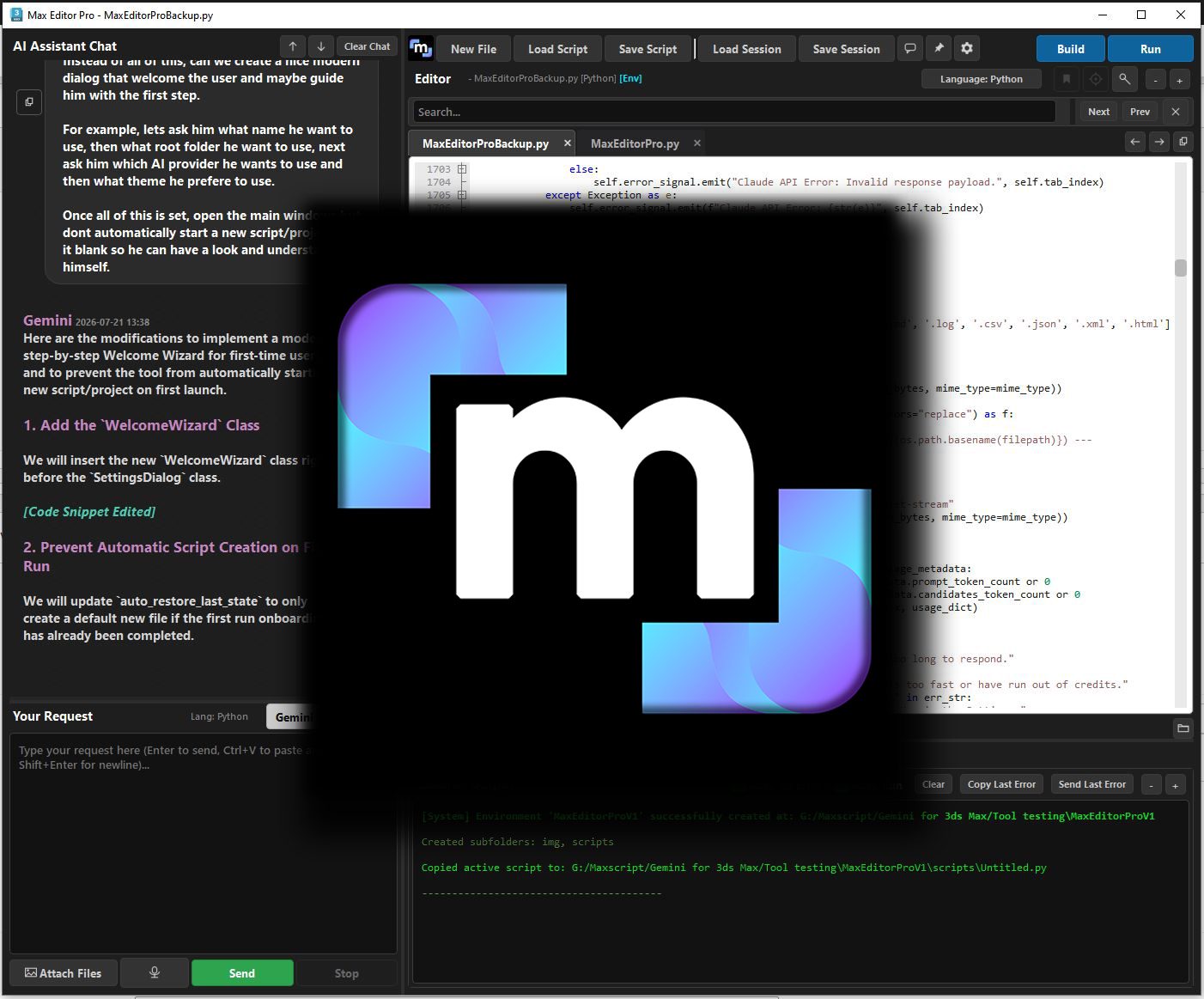
Description
The solution for developers who demand next-generation technology
An AI-powered IDE designed for peak productivity
Build your own custom tool.
Max Editor Pro is the premier development solution for 3ds Max, designed for seasoned programmers, technical artists, and newcomers alike. It delivers everything you expect from a professional IDE, featuring seamless integration with Gemini and Claude to accelerate your workflow and bring your custom tools to life.
Unlock your potential to build production-ready scripts and plugins for 3ds Max using Python, MaxScript, and more. Leverage advanced AI to design, write, and debug modern tools, making development accessible regardless of your prior experience. Code with confidence in a secure environment featuring reliable version control, and fully customize the Max Editor Pro interface to match your exact workflow.
Be the brain and let AI do the work
Interact with your preferred AI via text, voice, or file uploads to generate code from your exact ideas, in your native language. Max Editor Pro saves your contextual chat sessions to seamlessly match your workflow. For precise edits, our AI-driven Search and Replace function optimizes token usage while ensuring your code is modified exactly as requested.
Built for total customization
Fully customize your workspace with built-in light and dark themes for both the interface and the editor. Choose from six professional fonts and personalize your color palette to create your ideal visual environment while coding your next major tool.
Keep working without a doubt
Code fearlessly with intelligent auto-save and built-in version control. Take full command of your project’s history by setting precise save intervals and version limits, ensuring you can always revert to a clean state if something breaks. With the Save on Request function, never fear to break your code, you can always comeback if needed.
Organize Your Development Process
Keep your development environment perfectly organized. Utilize our smart reference system to feed local files securely to your AI assistant, ensuring your custom tools are built and designed using your specific assets and project context.
Discover Even More Capabilities
-
Dynamic Auto-Completion: Accelerate manual coding with a smart dictionary that can be refreshed to instantly detect new plugins and software installed within 3ds Max.
-
Enhanced Listener Console: A feature-rich listener directly linked to the native MaxScript Listener, providing deep tracking and expanded insights for your development.
-
AI-Assisted Debugging: Quickly identify and resolve code errors with a seamlessly integrated AI debugging system.
-
Custom AI Model Management: Expand your capabilities by testing and configuring specific Gemini and Claude models not included by default.
-
Rock-Solid, Customizable Editor: A highly stable development environment that can be fully tailored to match your exact visual and workflow preferences.
- Advanced Navigation: Custom-named bookmarks and a powerful finder tool to instantly jump exactly where you need to work.
-
Smart Code Templates: Jumpstart your projects with highly customizable new file templates for both Python and MaxScript.
-
Structured Environment Templates: Organize your workspace with flexible templates designed to streamline and optimize your development process.
-
Context-Aware AI Chat: Fine-tune your AI interactions using contextual chat sessions with customizable parameters to optimize your usage.
-
Execution Profiler (In Development): Analyze and optimize your custom tools for peak performance.
-
And much more!
3D Studio Max 2025, 2026, 2027
API Key for Gemini, OpenAI or Claude (optional but needed if you want to use AI features)
An internet connection is required to use Max Editor Pro
Important Notice: FLAG Visuals does not provide API keys, usage credits, or direct AI services. To utilize the AI features within Max Editor Pro, users are responsible for obtaining and configuring their own valid API keys.
For more informations about API keys, please visit:
Gemini: https://aistudio.google.com/api-keys
Claude: https://platform.claude.com/
ChatGPT: https://platform.openai.com/api-keys
Please launch 3ds Max in ADMIN before installing the tools.
If Drag and Dropping the scripts don’t work, go to Scripting menu and select Run.
What are you waiting for?
Trademark Notice: Gemini is a trademark of Google LLC, ChatGPT is a trademark of OpenAI and Claude is a trademark of Anthropic PBC. Max Editor Pro is an independent product developed by FLAG Visuals and is not affiliated with, endorsed by, or sponsored by Google, OpenAI or Anthropic.


Razin Mohd (verified owner) –
Thank you so much, Phil! 🤍🔥
The plugin is absolutely amazing! Everything is working perfectly, and it has completely transformed my coding workflow. It makes coding incredibly easy, smooth, and efficient. 🚀
Honestly, this is a game-changer for developers! The amount of time and effort it saves is incredible. Your amazing work and dedication truly deserve appreciation. 👏✨
Keep up the fantastic work, Phil! Can’t wait to see what you create next! 🔥💯